- Call
Master Photoshop to transform ordinary images into professional-quality artwork, create striking visual content, enhance photographs with confidence and produce polished designs ready for print, web and digital media.
 Duration:
100 Hours
Modules:
9
Qualification:
Statement of Attainment
Duration:
100 Hours
Modules:
9
Qualification:
Statement of Attainment
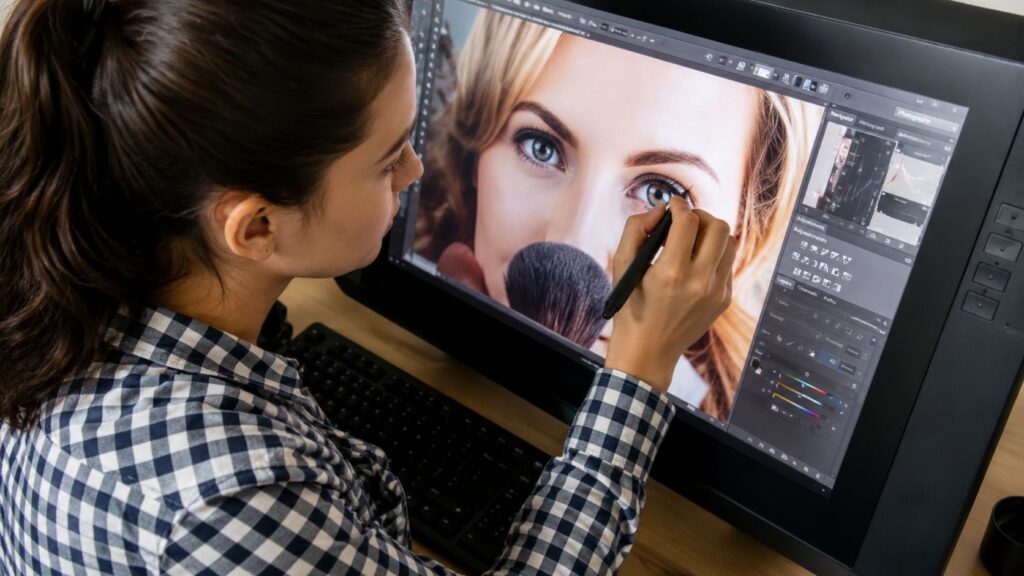
Find out who will benefit most.
Ideal for photographers, designers, marketers, content creators and anyone wanting practical Photoshop skills for creative, professional or personal image editing projects.
Whether you’re enhancing photographs, producing marketing materials or creating digital artwork, you’ll gain the practical skills needed to confidently edit, prepare and publish high-quality visual content.
High quality content, with clearly structured knowledge.
Move beyond basic photo editing by developing the technical confidence, creative ability and professional workflow needed to produce high-quality Photoshop projects consistently.
Learn modules one step at a time, and each module leads naturally into the next one.
This course is designed for anyone beginners and suitable for all learners.
You'll only need basic computer skills and internet access.
A stable internet connection is needed to access your course materials and submit assessments.
Your assignments are marked by experienced tutors who provide helpful feedback.
Learn by doing with practical assessments designed to build real world skills.
There are no exams. Your learning is assessed through practical assignments and activities.
Your qualification will be issued as a digital certificate which you can download and share.
Your certificate is issued once you have successfully completed all course requirements.